# Certificate errors when using application
**URL:** https://forum.antennapod.org/t/certificate-errors-when-using-application/64
**Category:** Support
**Created:** [July 11, 2020, 3:05pm UTC](https://forum.antennapod.org/t/certificate-errors-when-using-application/64 "2020-07-11T15:05:46Z")
**Posts on this page:** 20
**Page:** 1
### Author:  [@Dryale](https://forum.antennapod.org/u/Dryale)
#### Post date: [July 11, 2020, 3:05pm UTC](https://forum.antennapod.org/t/certificate-errors-when-using-application/64/1 "2020-07-11T15:05:46Z")
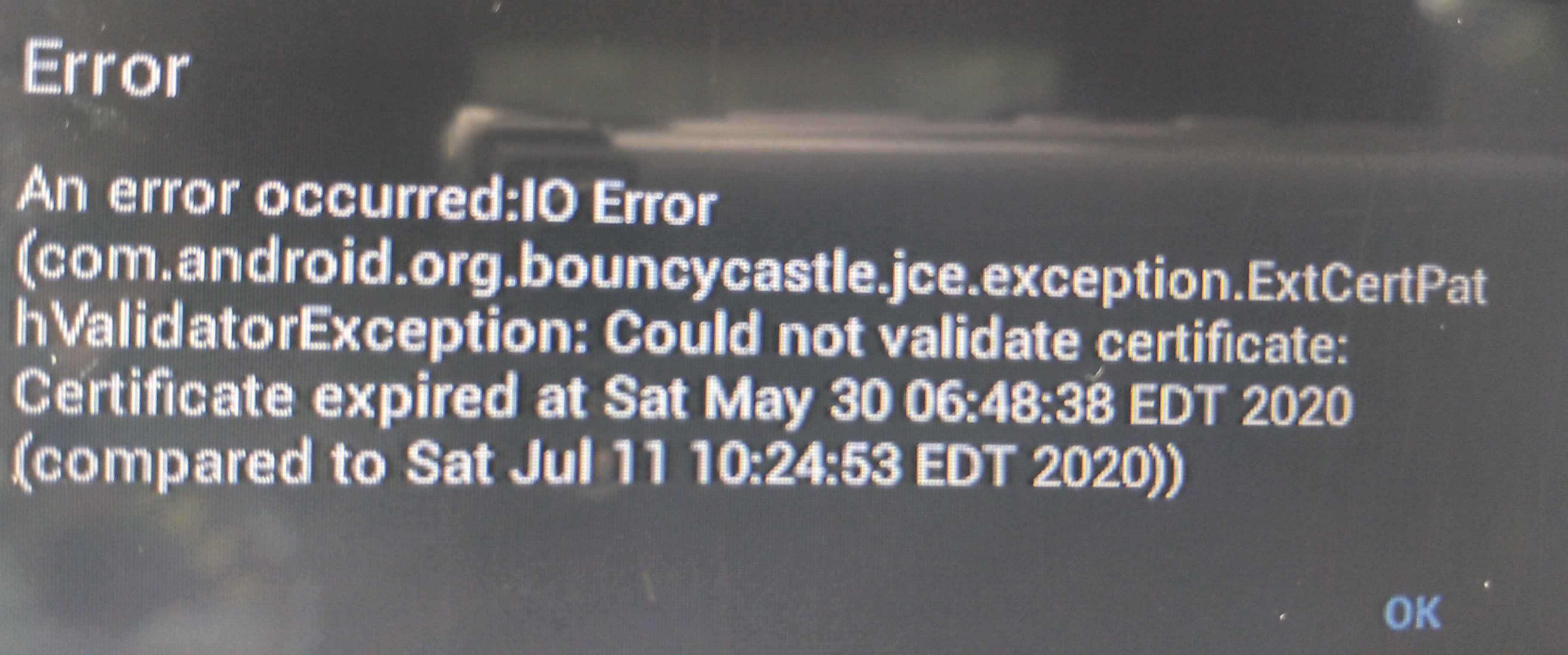
Using antenna 1.8 and 2.0 I am getting certificate errors when adding podcasts and trying to listen. I installed the application from the Google play store.
The device I’m using runs jellybean 4.2.
Is there a solution or workaround for this?
Attached is a picture of the error
---
### Author:  [@Dryale](https://forum.antennapod.org/u/Dryale)
#### Post date: [July 11, 2020, 3:09pm UTC](https://forum.antennapod.org/t/certificate-errors-when-using-application/64/2 "2020-07-11T15:09:39Z")
---
### Author:  [@ByteHamster](https://forum.antennapod.org/u/ByteHamster)
#### Post date: [July 11, 2020, 3:14pm UTC](https://forum.antennapod.org/t/certificate-errors-when-using-application/64/3 "2020-07-11T15:14:57Z")
Hi!
This error usually means that the podcast publisher did something wrong on their server. Does this happen with all podcasts or just some? Could you please post the name (or better: url) of the podcasts that this happens with?
---
### Author:  [@Dryale](https://forum.antennapod.org/u/Dryale)
#### Post date: [July 11, 2020, 3:31pm UTC](https://forum.antennapod.org/t/certificate-errors-when-using-application/64/4 "2020-07-11T15:31:48Z")
It happens with quite a few, here are 2
“Stuff you should know”
[https://feeds.megaphone.fm/stuffyoushouldknow](https://feeds.megaphone.fm/stuffyoushouldknow)
The Daily show with Trevor noah: ears edition
[https://feeds.megaphone.fm/the-daily-show](https://feeds.megaphone.fm/the-daily-show)
---
### Author:  [@ByteHamster](https://forum.antennapod.org/u/ByteHamster)
#### Post date: [July 11, 2020, 4:03pm UTC](https://forum.antennapod.org/t/certificate-errors-when-using-application/64/5 "2020-07-11T16:03:07Z")
Hmm, both of the feeds work on my phone. The hosting company (megaphone) did change their certificate on may 30 (the same date is mentioned in the error message). On your device, AntennaPod still seems to use the old certificate. Have you tried clearing the cache of the AntennaPod app? Be careful to not clear data, though 🙂
---
### Author:  [@Dryale](https://forum.antennapod.org/u/Dryale)
#### Post date: [July 11, 2020, 4:08pm UTC](https://forum.antennapod.org/t/certificate-errors-when-using-application/64/6 "2020-07-11T16:08:31Z")
Yes it operates on my newer devices. It specifically fails on older versions of Android.
I’ve tried clearing the cache and still has the issue.
---
### Author:  [@ByteHamster](https://forum.antennapod.org/u/ByteHamster)
#### Post date: [July 11, 2020, 4:45pm UTC](https://forum.antennapod.org/t/certificate-errors-when-using-application/64/7 "2020-07-11T16:45:47Z")
I just pasted the URL into a [certificate checker](https://www.sslshopper.com/ssl-checker.html#hostname=https://feeds.megaphone.fm/stuffyoushouldknow). Apparently, one of the root certificates is expired. A (really technical) explanation is available [here](https://support.sectigo.com/articles/Knowledge/Sectigo-AddTrust-External-CA-Root-Expiring-May-30-2020). The most important part is this:
> These roots were added to the following platforms since:
> Google:
>
> - Android 5.1 (the other 3 roots)
So the basic problem is indeed that you are using a very old Android version. AntennaPod should already deal with that by using Google Play Services. Now we need to find out why this does not work on your device.
- Do you use a custom ROM or have rooted your device? (If you do not know what this is, you are probably not using it)
- (More difficult question) Do you use an updated Google Play Services version? Maybe [this](https://support.google.com/googleplay/answer/9037938?hl=en) can help.
---
### Author:  [@Dryale](https://forum.antennapod.org/u/Dryale)
#### Post date: [July 11, 2020, 6:00pm UTC](https://forum.antennapod.org/t/certificate-errors-when-using-application/64/8 "2020-07-11T18:00:08Z")
Its using a custom Rom and rooted; it’s a 3rd party device that is built into my car. It’s impossible to do an update on the os version so I am willing to try anything to get it to operate.
Google play services is 20.24.14 (000304-319035315)
---
### Author:  [@ByteHamster](https://forum.antennapod.org/u/ByteHamster)
#### Post date: [July 11, 2020, 7:23pm UTC](https://forum.antennapod.org/t/certificate-errors-when-using-application/64/9 "2020-07-11T19:23:11Z")
> [@Dryale](#):
>
> Google play services is 20.24.14 (000304-319035315)
Strange. This should theoretically ship modern root certificates.
> [@Dryale](#):
>
> I am willing to try anything to get it to operate
You can try manually adding the `USERTrust RSA Certification Authority` to your system. It can be downloaded [here](https://support.sectigo.com/Com_KnowledgeDetailPage?Id=kA01N000000rfBO) but please make sure that you actually trust that certificate. If you download and install a malicious root certificate, the internet connection of the whole device (including app updates etc) will be flawed. The certificate is valid until 2028, so if this works, you should be fine for a while.
---
### Author:  [@Dryale](https://forum.antennapod.org/u/Dryale)
#### Post date: [July 11, 2020, 9:45pm UTC](https://forum.antennapod.org/t/certificate-errors-when-using-application/64/10 "2020-07-11T21:45:18Z")
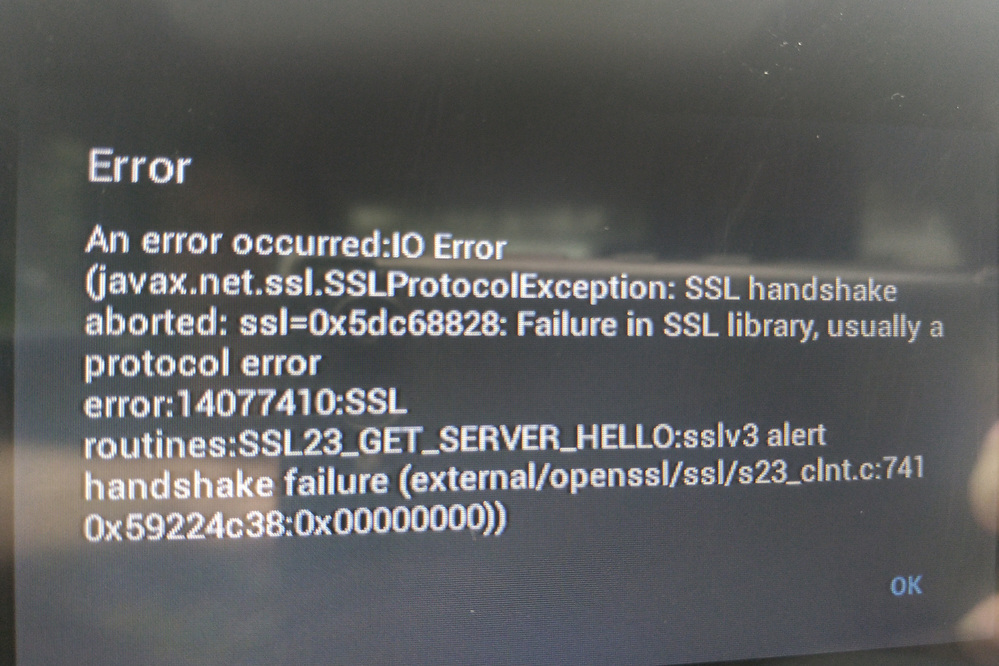
That seemed to help with a couple of the podcasts. I only see one other issue, and I think it worked under 1.8.
I’m getting an Ssl error
.
---
### Author:  [@Dryale](https://forum.antennapod.org/u/Dryale)
#### Post date: [July 11, 2020, 10:30pm UTC](https://forum.antennapod.org/t/certificate-errors-when-using-application/64/11 "2020-07-11T22:30:13Z")
And I think the last issue is with some of the podcasts that didn’t work because of the root ca being old. Those podcasts can now be added and played, but there is no album art. The art shows up for on my other android devices. Is there something I can do to solve this?
---
### Author:  [@ByteHamster](https://forum.antennapod.org/u/ByteHamster)
#### Post date: [July 11, 2020, 10:34pm UTC](https://forum.antennapod.org/t/certificate-errors-when-using-application/64/12 "2020-07-11T22:34:08Z")
Do you get that error message when downloading or when streaming? Please try downloading if you did not do that before.
---
### Author:  [@Dryale](https://forum.antennapod.org/u/Dryale)
#### Post date: [July 11, 2020, 10:51pm UTC](https://forum.antennapod.org/t/certificate-errors-when-using-application/64/13 "2020-07-11T22:51:08Z")
There are two separate issues it seems
With the 2 podcasts I had posted above. I thought it was working properly, but I don’t think it is. If I click stream. I get an “error Unable to access media file (1000)”
But if I click download first. Then stream it works. And all the other podcasts episodes in the subscribed feed work too. (Ie I don’t have to hit download first, before I hit stream and it plays)
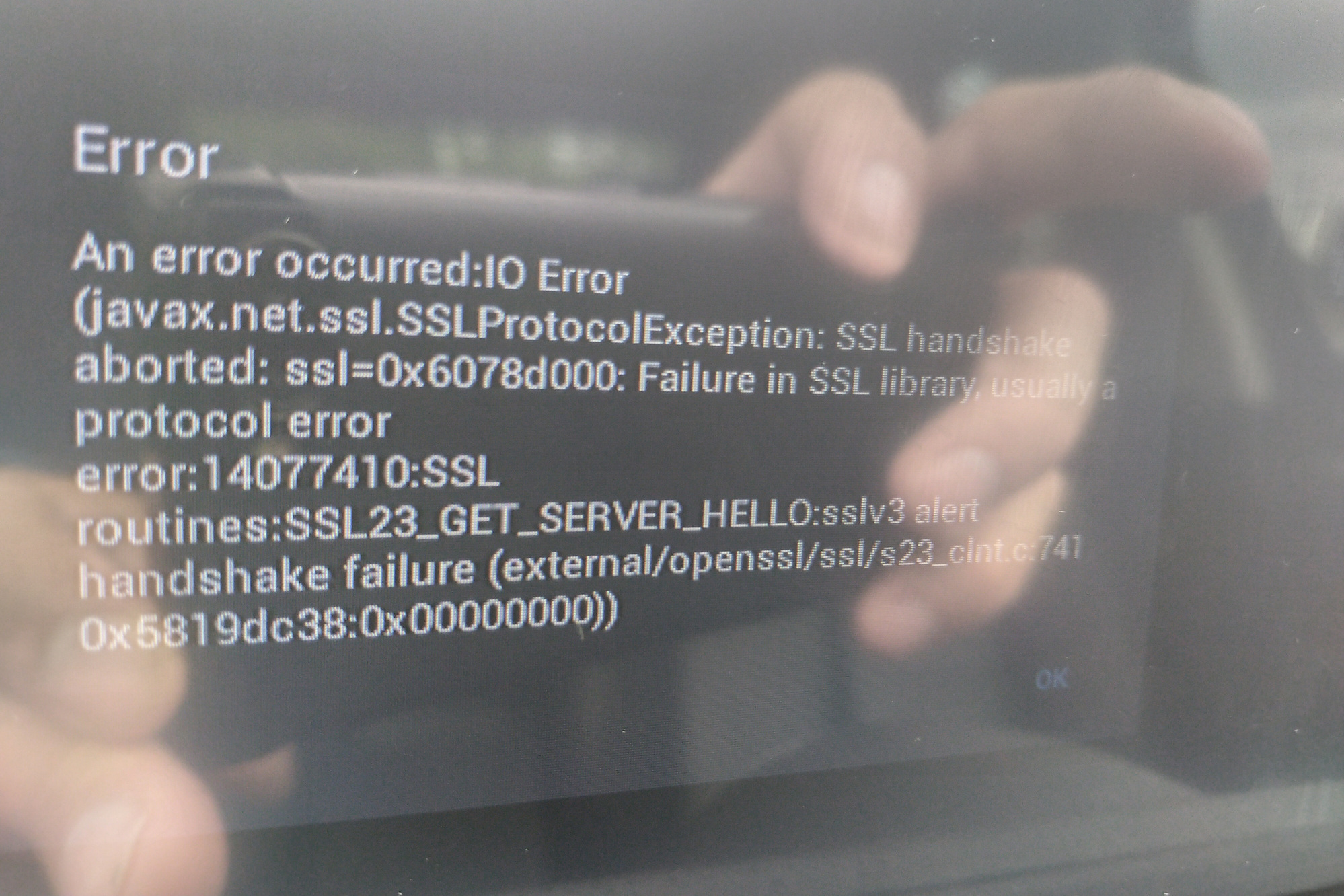
The issue with the photo above the io error sslv3 one is when I try to add a private stream to my car player. I’m pretty sure it worked in 1.8. And I confirmed I can add this private stream url on different podcast applications on android 4.2. And it certainly works in antenna 2.0 on newer versions of Android.
A bunch of icons and album art doesnt show up in the subscription view.
---
### Author:  [@ByteHamster](https://forum.antennapod.org/u/ByteHamster)
#### Post date: [July 12, 2020, 7:17am UTC](https://forum.antennapod.org/t/certificate-errors-when-using-application/64/14 "2020-07-12T07:17:15Z")
> [@Dryale](#):
>
> But if I click download first. Then stream it works.
Thanks, that helps a lot. Now I know what is going on. We have the problem tracked [here](https://github.com/AntennaPod/AntennaPod/issues/4170).
> [@Dryale](#):
>
> The issue with the photo above the io error sslv3 one is when I try to add a private stream to my car player.
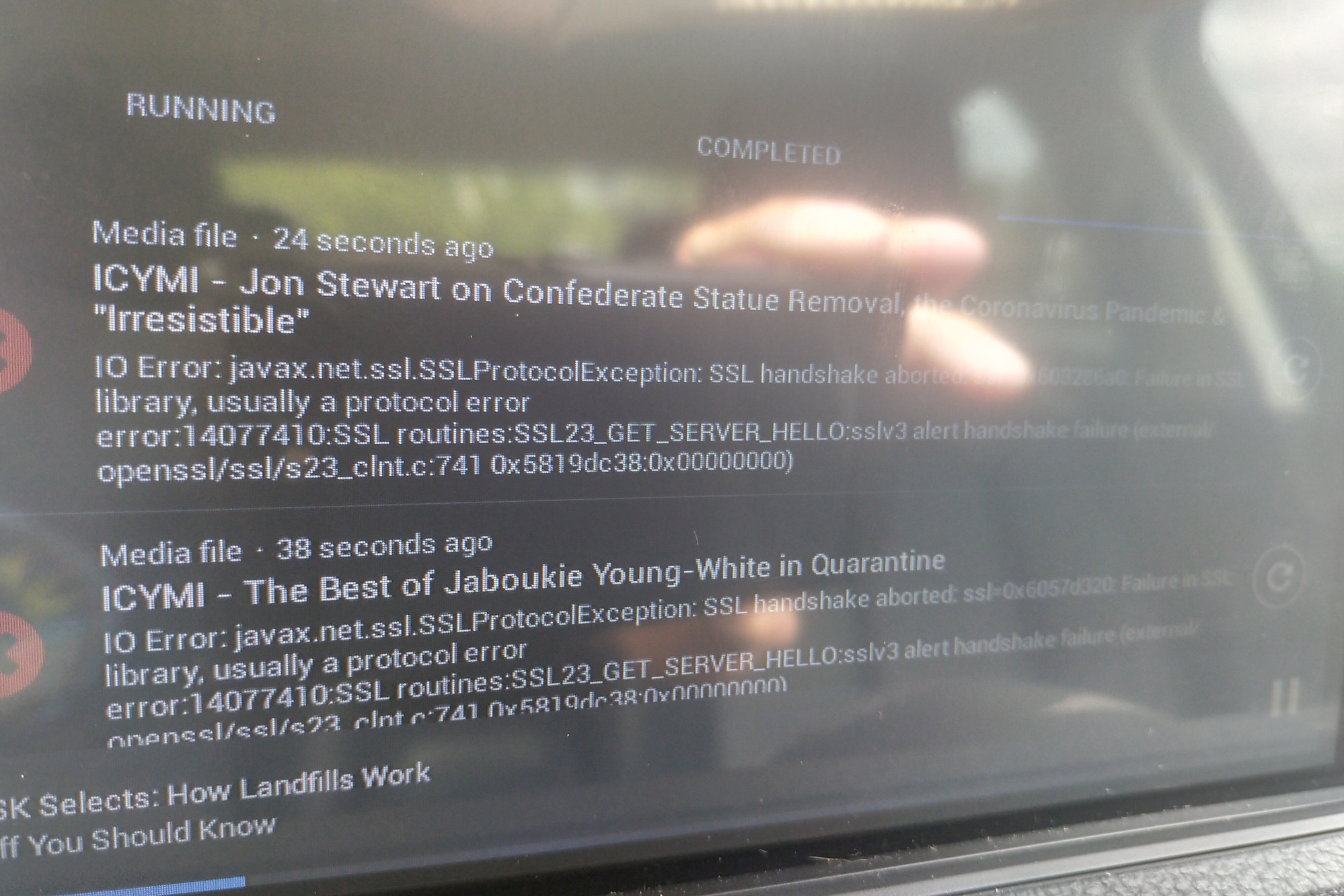
Does the issue also occur when you download something (another podcast’s episode) before trying?
---
### Author:  [@Dryale](https://forum.antennapod.org/u/Dryale)
#### Post date: [July 12, 2020, 4:52pm UTC](https://forum.antennapod.org/t/certificate-errors-when-using-application/64/15 "2020-07-12T16:52:13Z")
Yes I see the issue when I go into download logs. I get the same error. I added a picture. I also added the photo when I try adding a private feed.
---
### Author:  [@Dryale](https://forum.antennapod.org/u/Dryale)
#### Post date: [July 12, 2020, 4:54pm UTC](https://forum.antennapod.org/t/certificate-errors-when-using-application/64/16 "2020-07-12T16:54:49Z")
Here is a photo of adding the private feed
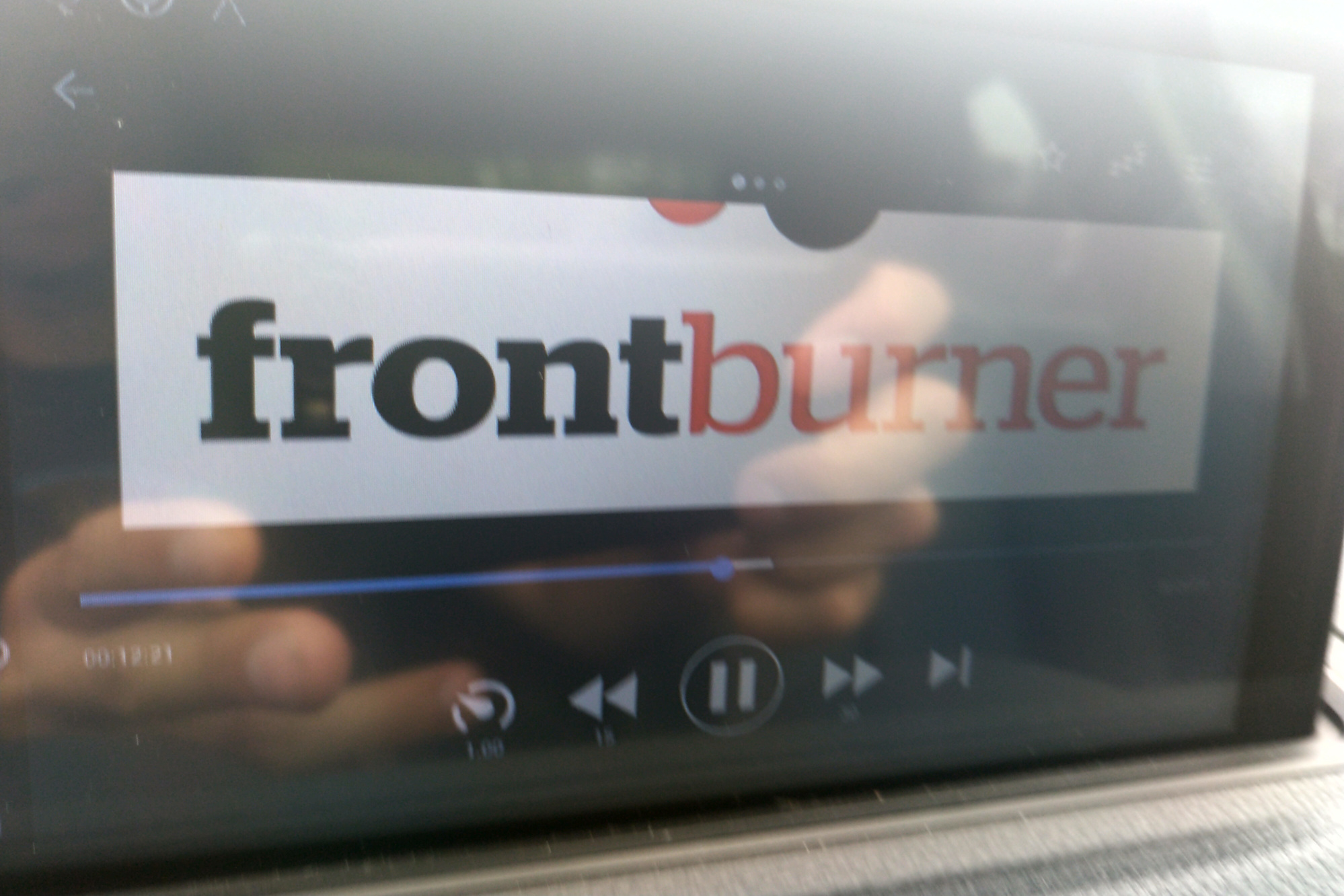
I noticed that some of the album art doesnt resize to fit the screen. This is the bottom quarter of the logo
Not sure why it doesn’t size on my display, it resizes on my phone. The resolution of my device is low. Here is the about screen 800x480 pixel. Density 240dpi
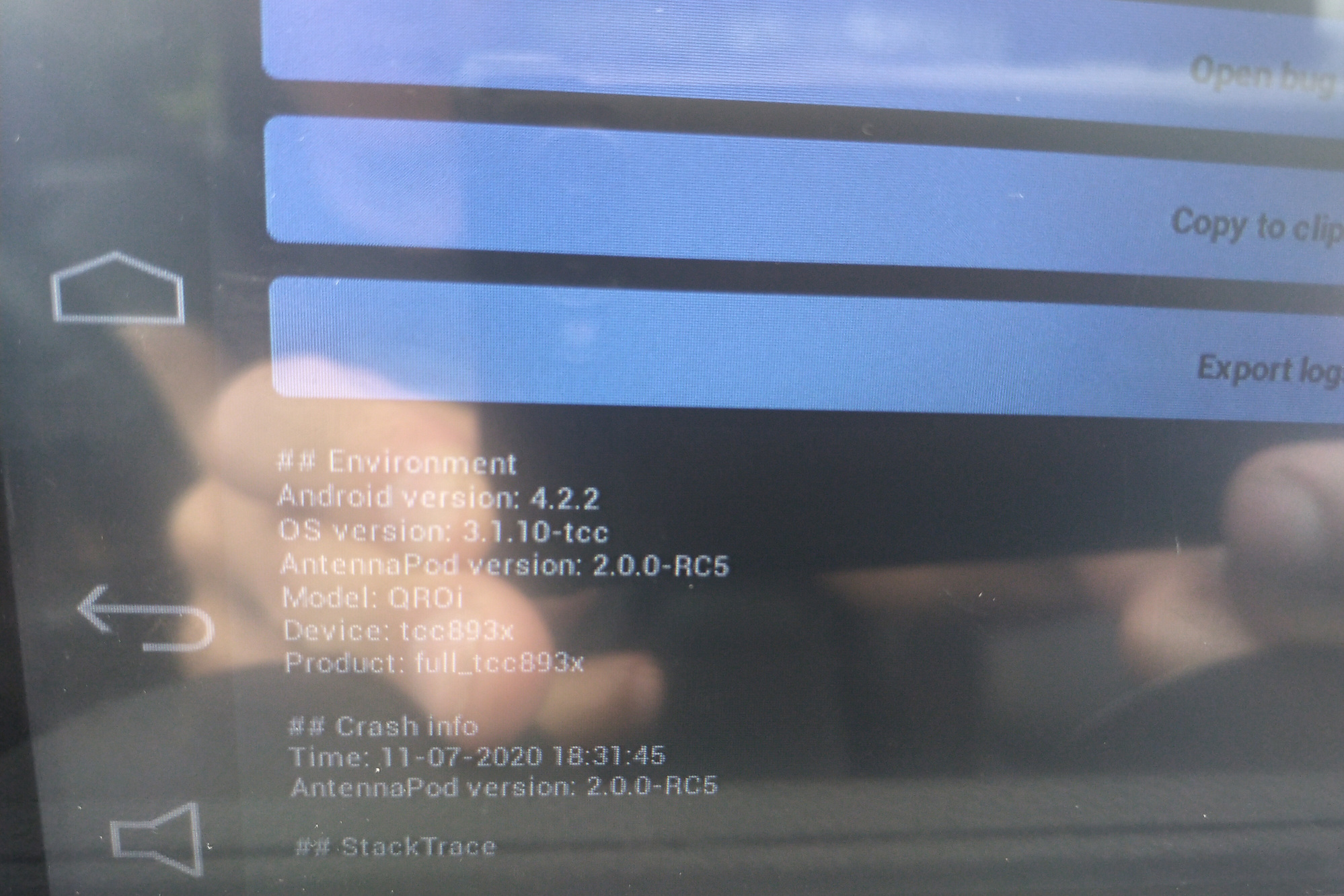
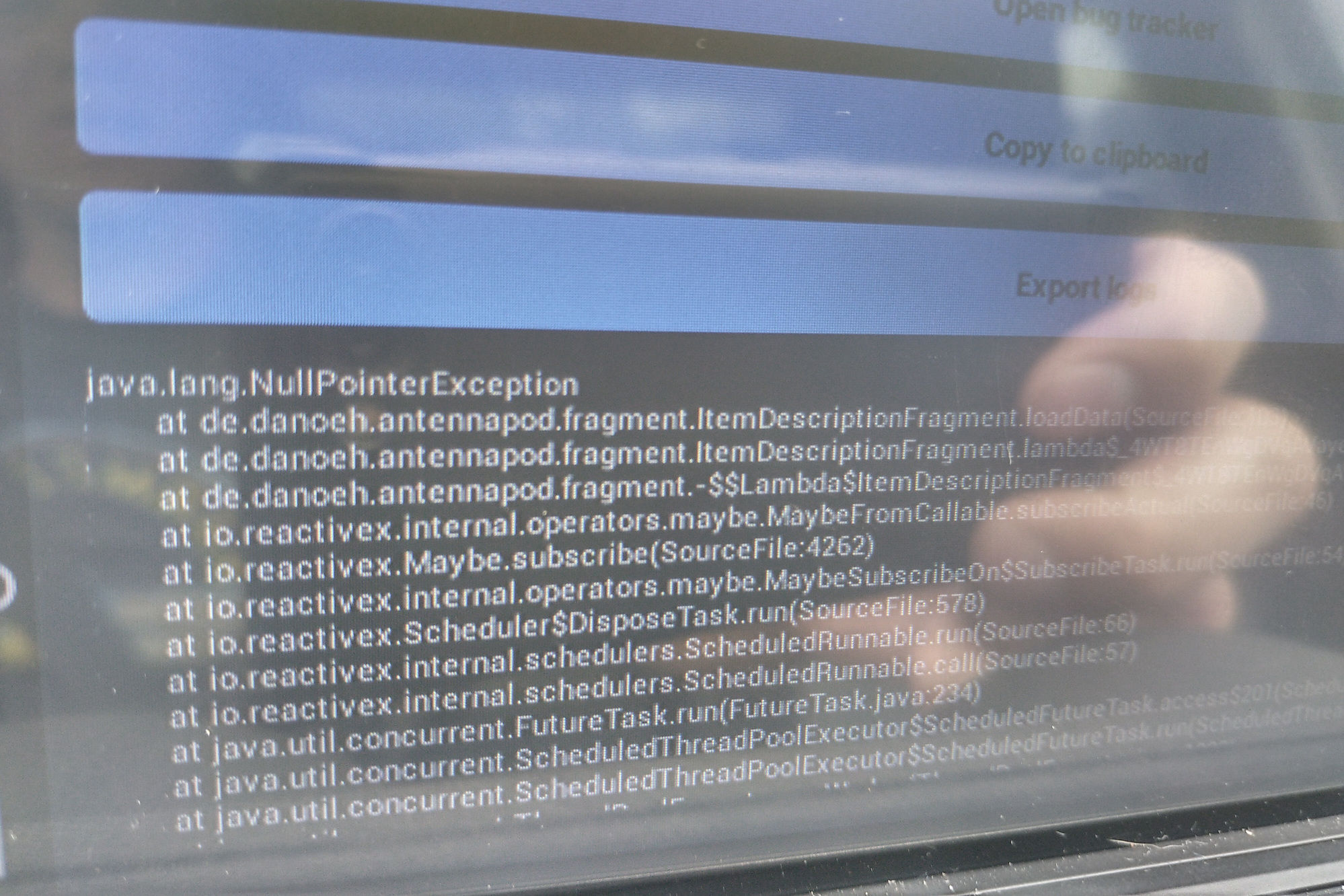
Also there are a couple errors in the log
---
### Author:  [@Dryale](https://forum.antennapod.org/u/Dryale)
#### Post date: [July 12, 2020, 4:55pm UTC](https://forum.antennapod.org/t/certificate-errors-when-using-application/64/17 "2020-07-12T16:55:22Z")
Img cut off
---
### Author:  [@Dryale](https://forum.antennapod.org/u/Dryale)
#### Post date: [July 12, 2020, 4:56pm UTC](https://forum.antennapod.org/t/certificate-errors-when-using-application/64/18 "2020-07-12T16:56:05Z")
Debug 1
---
### Author:  [@Dryale](https://forum.antennapod.org/u/Dryale)
#### Post date: [July 12, 2020, 4:56pm UTC](https://forum.antennapod.org/t/certificate-errors-when-using-application/64/19 "2020-07-12T16:56:57Z")
Debug2
---
### Author:  [@Dryale](https://forum.antennapod.org/u/Dryale)
#### Post date: [July 16, 2020, 1:06pm UTC](https://forum.antennapod.org/t/certificate-errors-when-using-application/64/20 "2020-07-16T13:06:55Z")
I believe the image being cut off in landscape mode is being tracked here.
>
>
> App version: 1.8.1 (built from develop)
> Android version: 10.0
> Device model: Pixel 3axl
> Expected behaviour:
> I should be able see the entire art, the title...
[Next page](https://forum.antennapod.org/t/certificate-errors-when-using-application/64.md?page=2)