# Sorting the Queue
**URL:** https://forum.antennapod.org/t/sorting-the-queue/8815
**Category:** Support
**Created:** [July 14, 2026, 3:51pm UTC](https://forum.antennapod.org/t/sorting-the-queue/8815 "2026-07-14T15:51:43Z")
**Posts on this page:** 6
**Page:** 1
### Author:  [@robertmac](https://forum.antennapod.org/u/robertmac)
#### Post date: [July 14, 2026, 3:51pm UTC](https://forum.antennapod.org/t/sorting-the-queue/8815/1 "2026-07-14T15:51:43Z")
Hi,
Can I configure the queue sorting so that the queue is sorted by date, but I can still manually adjust the order? The sorting should still be applied to new downloads.
**App version** : 3.12.0-beta 4
**Android 16**
**Device Samsung S25 Ultra** :
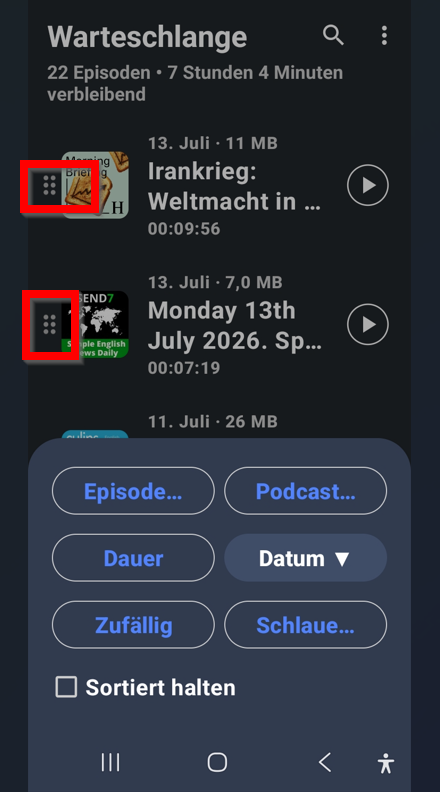
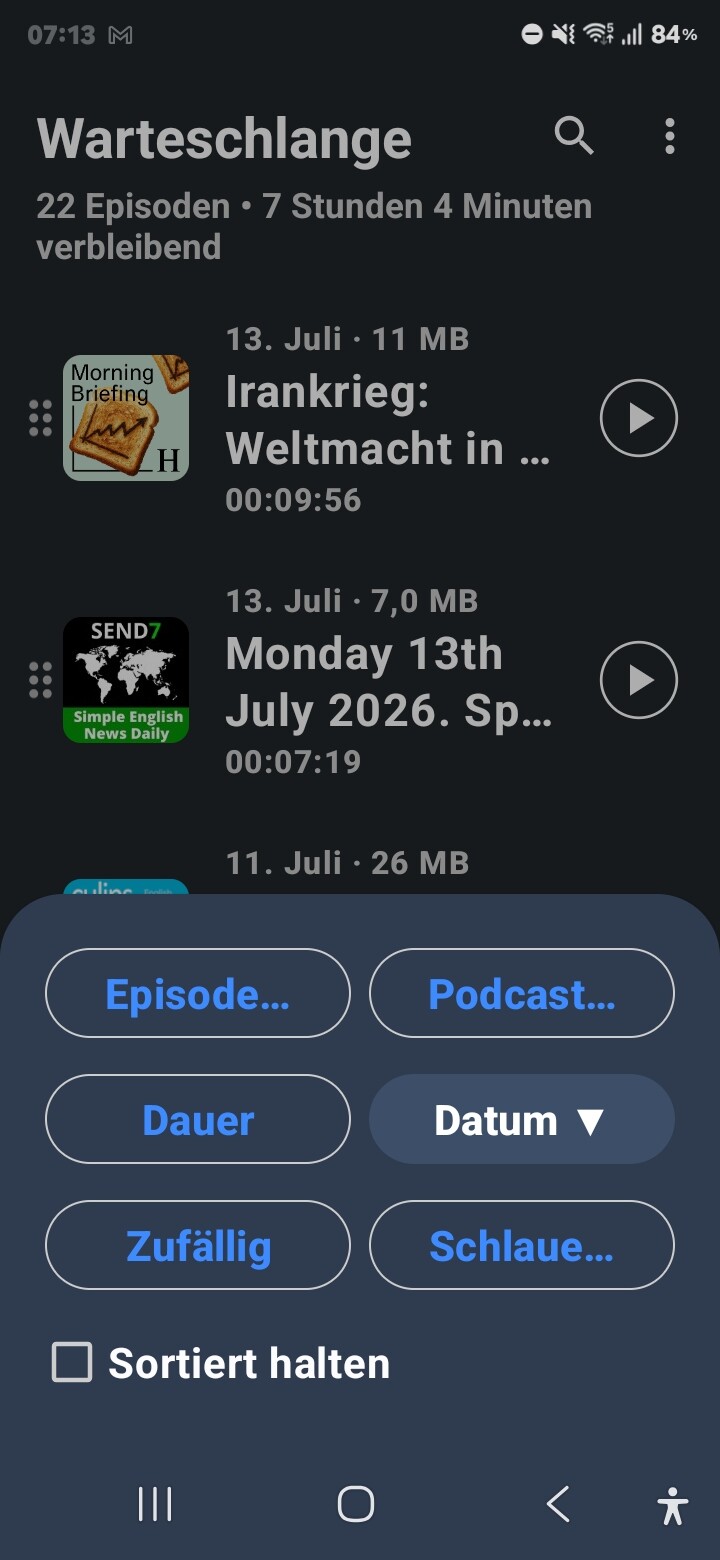
---
### Author:  [@ByteHamster](https://forum.antennapod.org/u/ByteHamster)
#### Post date: [July 14, 2026, 5:53pm UTC](https://forum.antennapod.org/t/sorting-the-queue/8815/2 "2026-07-14T17:53:10Z")
Where would you expect new episodes to be added if you reordered the others to no longer be ordered by date?
```auto
2025
<- 2026?
2022
2023
2024
<- 2026?
```
```auto
2022
<- 2024?
2026
2023
<- 2024?
2025
```
```auto
<- 2023?
2026
<- 2023?
2024
<- 2023?
2025
```
I think there is not really a way to decide, everyone would expect a different thing depending on how they use the queue. It gets even less predictable when you multi-select to add more to the queue at the same time.
---
### Author:  [@robertmac](https://forum.antennapod.org/u/robertmac)
#### Post date: [July 14, 2026, 8:05pm UTC](https://forum.antennapod.org/t/sorting-the-queue/8815/3 "2026-07-14T20:05:35Z")
Thanks for tje answer. I expect the newest podcast in the front of the queue.
---
### Author:  [@ByteHamster](https://forum.antennapod.org/u/ByteHamster)
#### Post date: [July 14, 2026, 8:45pm UTC](https://forum.antennapod.org/t/sorting-the-queue/8815/4 "2026-07-14T20:45:22Z")
You can already set new episodes to go to the front, but that does not answer the question. If the newly added episodes go to the front of the queue, it does not stay sorted. How do you expect “keep sorted” and “order manually” to work together as you requested?
---
### Author:  [@robertmac](https://forum.antennapod.org/u/robertmac)
#### Post date: [July 15, 2026, 2:31pm UTC](https://forum.antennapod.org/t/sorting-the-queue/8815/5 "2026-07-15T14:31:05Z")
Thanks for the reply!
I’d like to new episodes to the front of the queue, and then be able to add three more in a row — and I’m sure you know what I mean. I need the symbols shown in the photo.

---
### Author:  [@ByteHamster](https://forum.antennapod.org/u/ByteHamster)
#### Post date: [July 15, 2026, 4:06pm UTC](https://forum.antennapod.org/t/sorting-the-queue/8815/6 "2026-07-15T16:06:32Z")
You are saying you want them sorted and at the same time not sorted. That fundamentally does not work. There is no sound way to sort something into an unsorted list.
What you can do is this. You can change the setting to add new episodes to the top of the queue. That setting exists on the settings screen, not the sort screen from your screenshot. Do not use the sort screen from your screenshot. Disable “keep sorted”. Change the setting to add new episodes to the top of the queue.