App version: 3.11.0 (be953b3a) from Google Play (state whether from Google Play/F-Droid/Custom built APK)
Android version: 16
Device model:Google Pixel 8
Expected behaviour: I’d like Antenna Pod to find a new episode, download it and add it to the queue
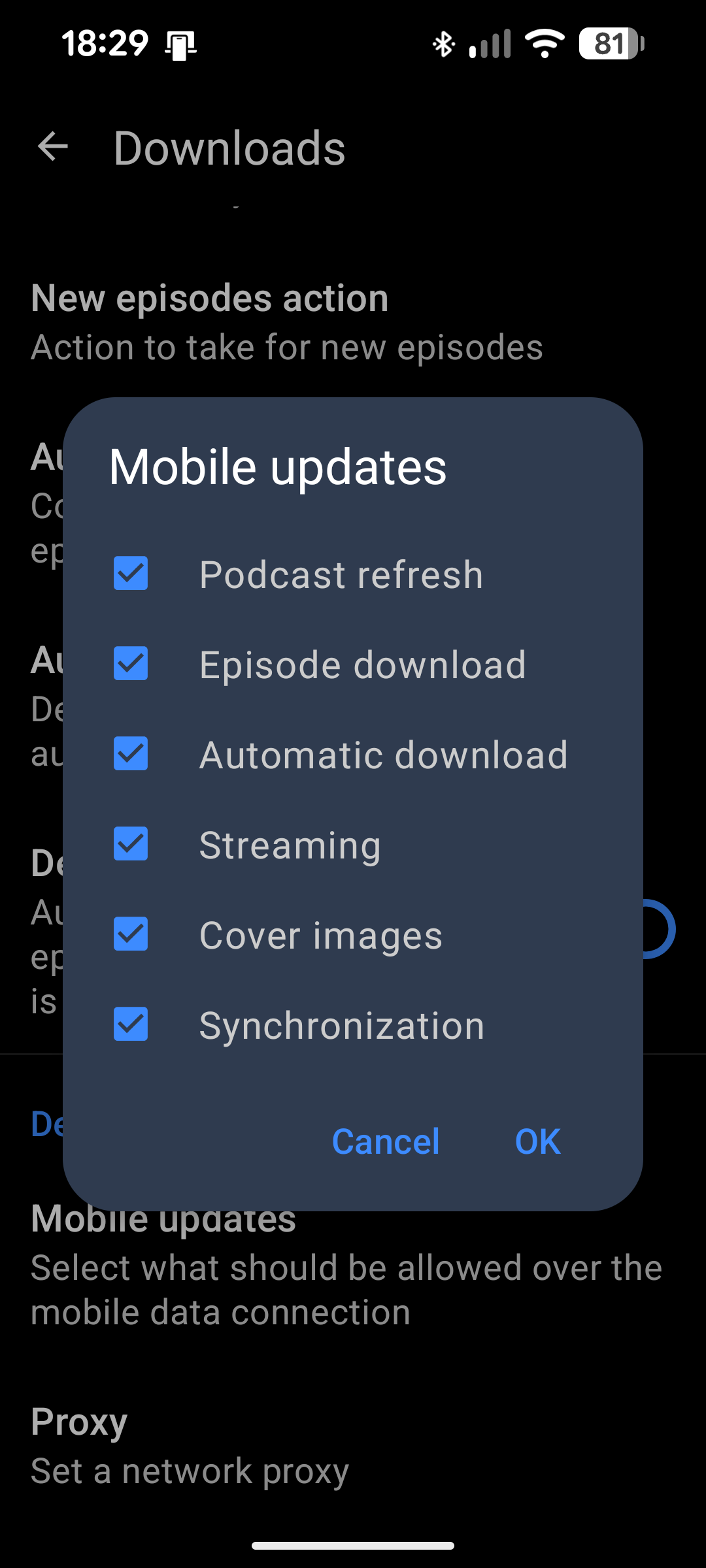
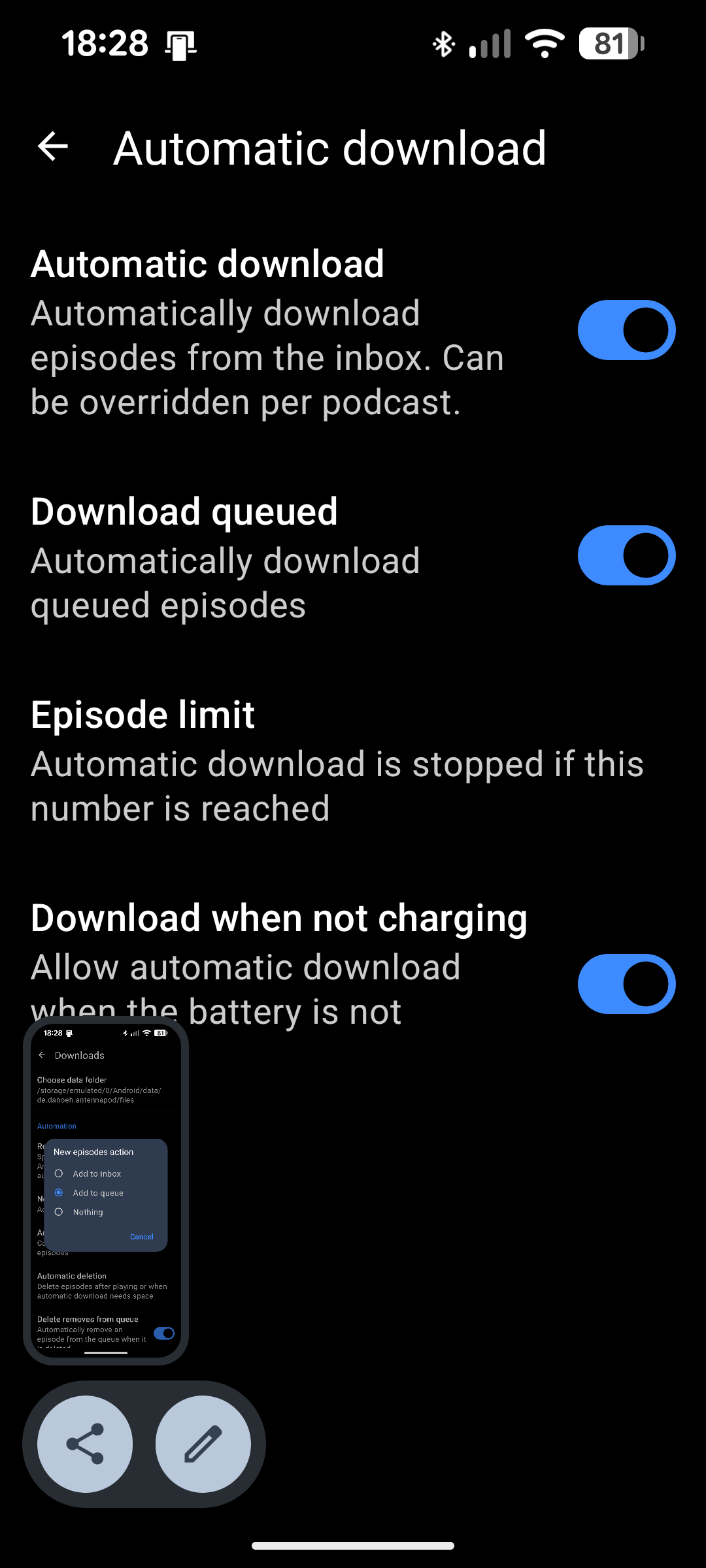
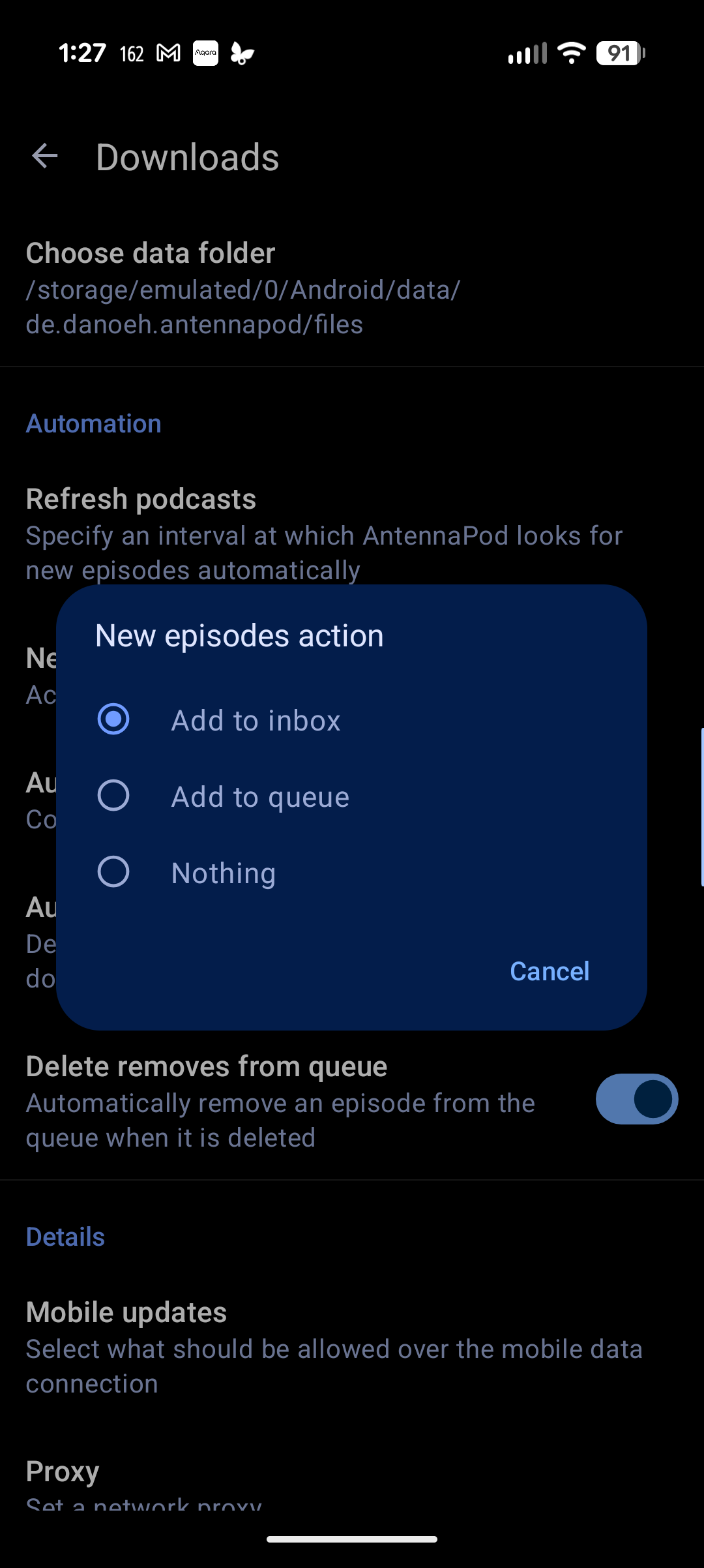
Current behaviour: Episodes are found, but just added to the inbox and have to be downloaded manually, despite setting refresh to every 4 hours, new episodes action to add to queue and all Automatic Download options on. I even have every Mobile updates option ticked
First occurred: (e.g. about x days/weeks ago) I’m new to Antenna Pod and this has happened since I installed
Steps to reproduce:
Set Refresh Podcasts to something other than Never
Change New Episodes Action to Add to Queue
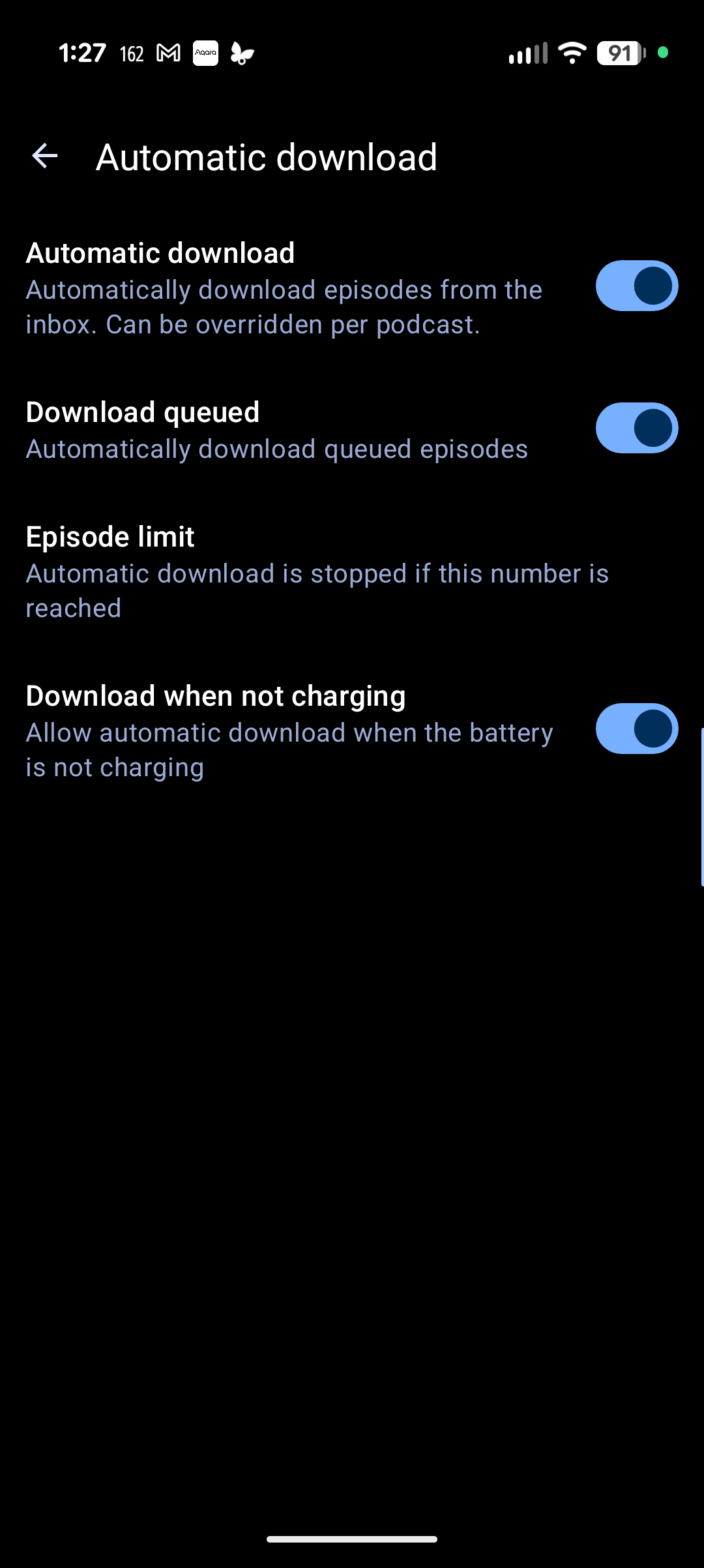
Turn on every option in Automatic Download
Wait for the refresh deadline or manually refresh. New episodes are added to the inbox and not downloaded or added to queue
Selecting “Add to queue” effectively disables automatic download because that downloads episodes from the inbox only. Select “Add to inbox” instead. The episode is automatically moved from the inbox to the queue once (automatically) downloaded
Sorry I couldn’t add all the pics. The forum restricts me to one per post and there’s an interval limit as well. I tried leaving it as add to inbox and new podcasts just stay there. They still don’t get downloaded without intervention and don’t get added to the queue
I’m only just starting so there are ten episodes in the queue and five in inbox. They’ve been in there for several hours even though I set them to download, even while mobile.
@ByteHamster given how users frequently don’t understand why auto download don’t work due to being past number of downloaded episodes it could be a good idea to add next to auto download settings under episodes limit something like : currently x episodes on device (no more slots available / x slots available) and either add a “?” to popup explanation with direct link to download screen.
Don’t know if it it’s a good idea and if less people would be confused.
I’m having this same issue, where it’s adding stuff to the inbox and auto downloading some but they don’t show up in the queue.
Edit: I have “New Episodes Action” set to add to queue. It’s just not putting them in the queue even though it’s downloading them. I have to manually add them to the queue.
I’m confused, it’s not an auto download issue. It is downloading episodes, automatically. It’s just not adding them to the queue after downloading them. What should I set that option to then?
Edit: I guess my question is, what does that option do when set to “add to queue” if it doesn’t…you know, add to queue?
It treats the Queue like it’s the InBox. (It shows a list of newly-available episodes, allowing you to stream or download individual new episodes.) It’s basically an option for people who prefer to not use the InBox.
Would it make sense to add a check when someone enables that problematic combination? I don’t know if it would take the form of a warning, or an offer to change the other setting, but this isn’t the first time someone has run into the issue.
Another option, somewhat tongue-in-cheek: Consider adding a warning when enabling “Add to Queue” as the New Episodes Action regardless of whether there is a conflict at this time. Maybe say something like “This option does not do what you think it does. It’s only for people who don’t like the idea of the InBox.”
We had a warning for one app version but then people left bad ratings thinking that we recently removed the feature, when there was actually no change at all. Just the warning
It has taken me a while to try to see if that works, I set it back to inbox but it’s still not auto downloading. Here’s my settings. Any idea what else I can check?