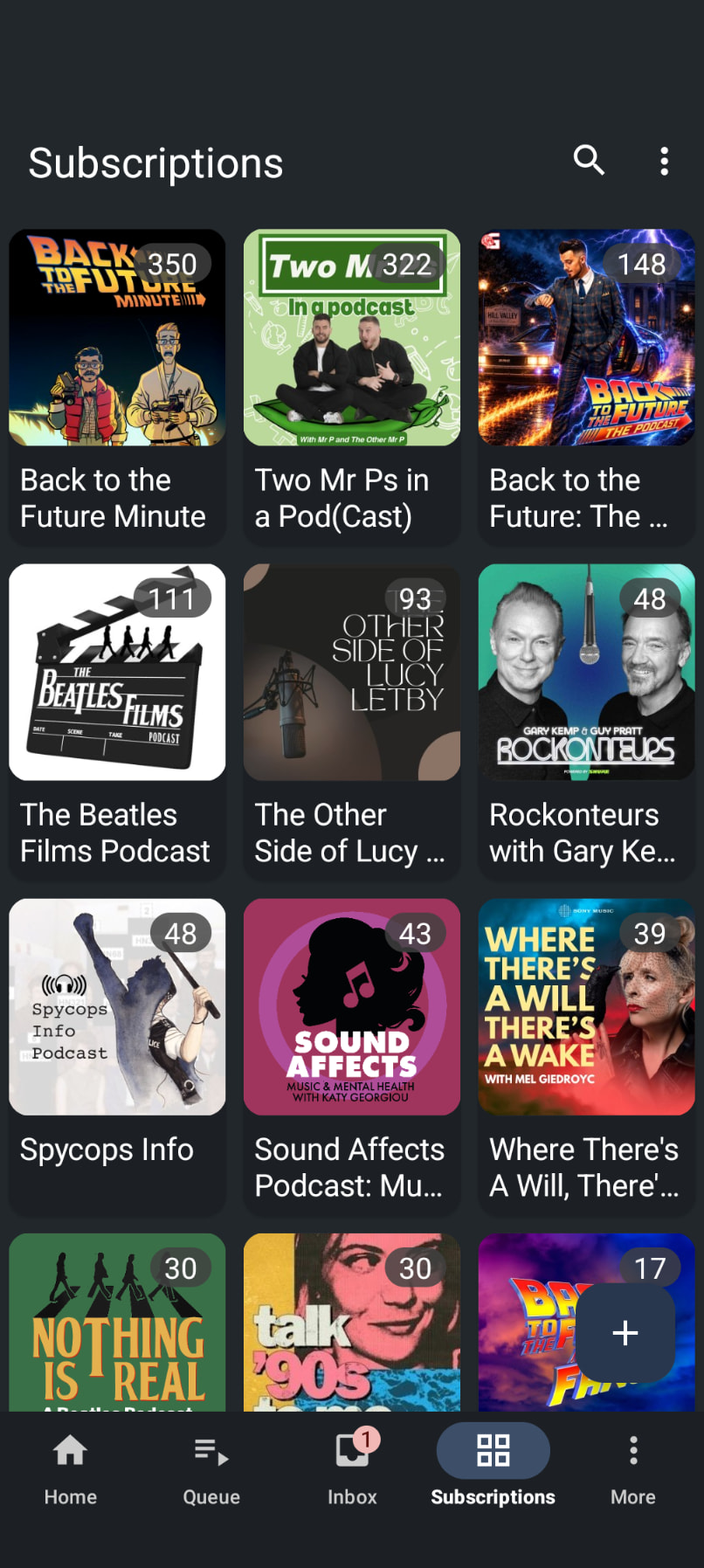
Problem you may be having, or feature you want: The little counter on the upper right corner of the inbox icon shows the number of new episodes. The background colour of this is red, which I find distracting and red is known to elicit a strong response in people. I would rather it were blue to reduce this effect (or disable it altogether and manually check the amount of new episodes).
Suggested solution: Either change the colour of it to blue (or some other calmer colour) or, better yet, add an option in settings to change the colour or remove it completely.
I’m a new user of Antennapod having just moved from Podcast Addict. I’d love this feature request too
Currently I’m on App version 3.12.2 (1a7d207c0) and my counter is black with white text, so maybe they updated it since the version you’re on? I’d prefer a colour background so that it stands out as it’s difficult to read the episode counter for me.
I didn’t even realize that those other counters existed
I’m referring to the little counter on the Inbox icon on the bottom row. It is showing “1” new episode in your screenshot. In your case it is a very light red, but for me it’s a dark red, which I find distracting. It seems more like a warning on my phone.