App version: 3.11.4f (6c3492af7)
Android version: 16 / HyperOS 3
Device model: Xiaomi 15
Expected behaviour:
Episodes from podcasts that I explicitly configured to be downloaded should be downloaded.
Current behaviour:
Despite podcast being configured to download all new episodes, they are only updated and included in the inbox without actually being downloaded.
First occurred: 3-6 weeks
Steps to reproduce:
- Continue the podcast to download episodes automatically.
- Configure the podcast to be updated automatically.
- Wait for the new episode to arrive.
- Episode is only included in the news section with the information that it can be downloaded with the button to download it. Previously for the postcasts that I had auto-download, the episode would be already included in the queue without having to manually go to the news section and hitting the download button.
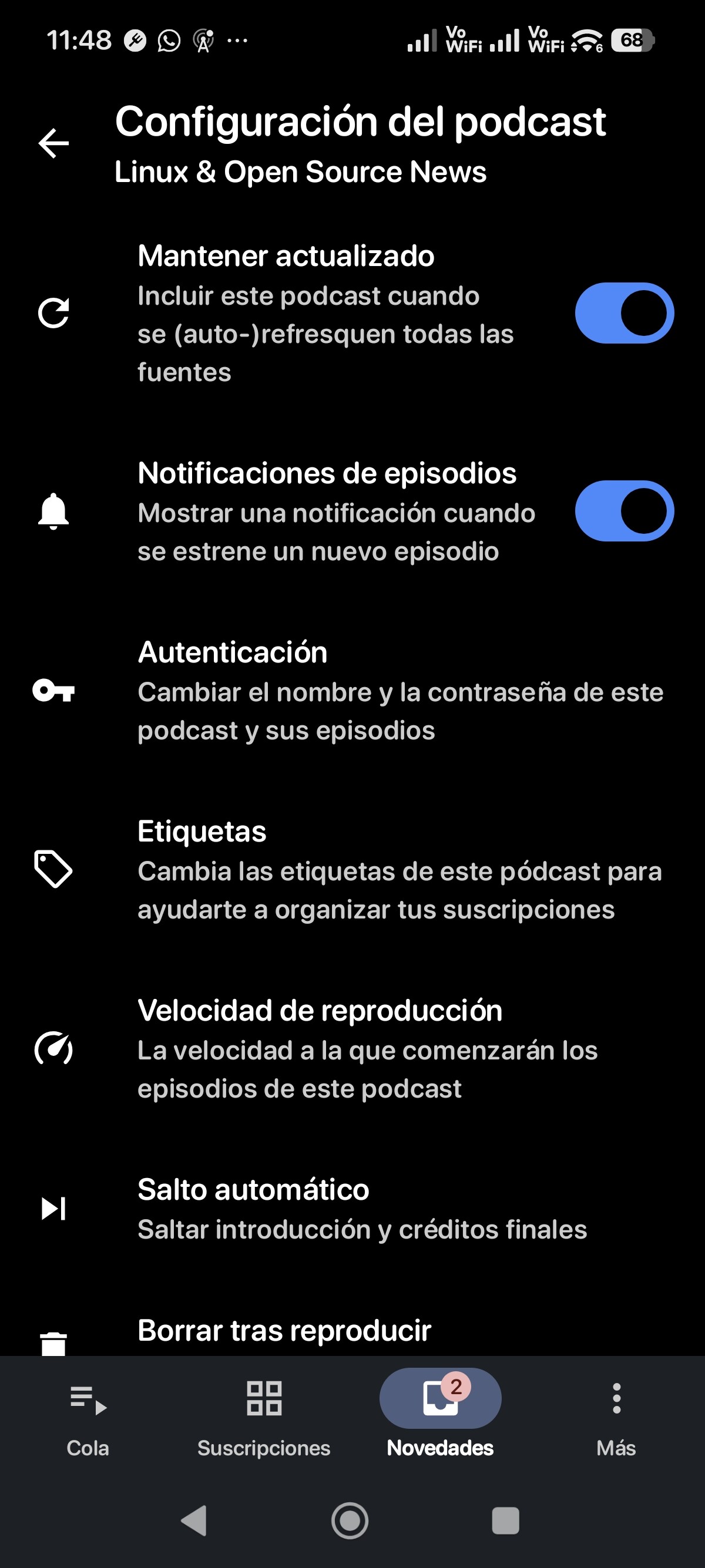
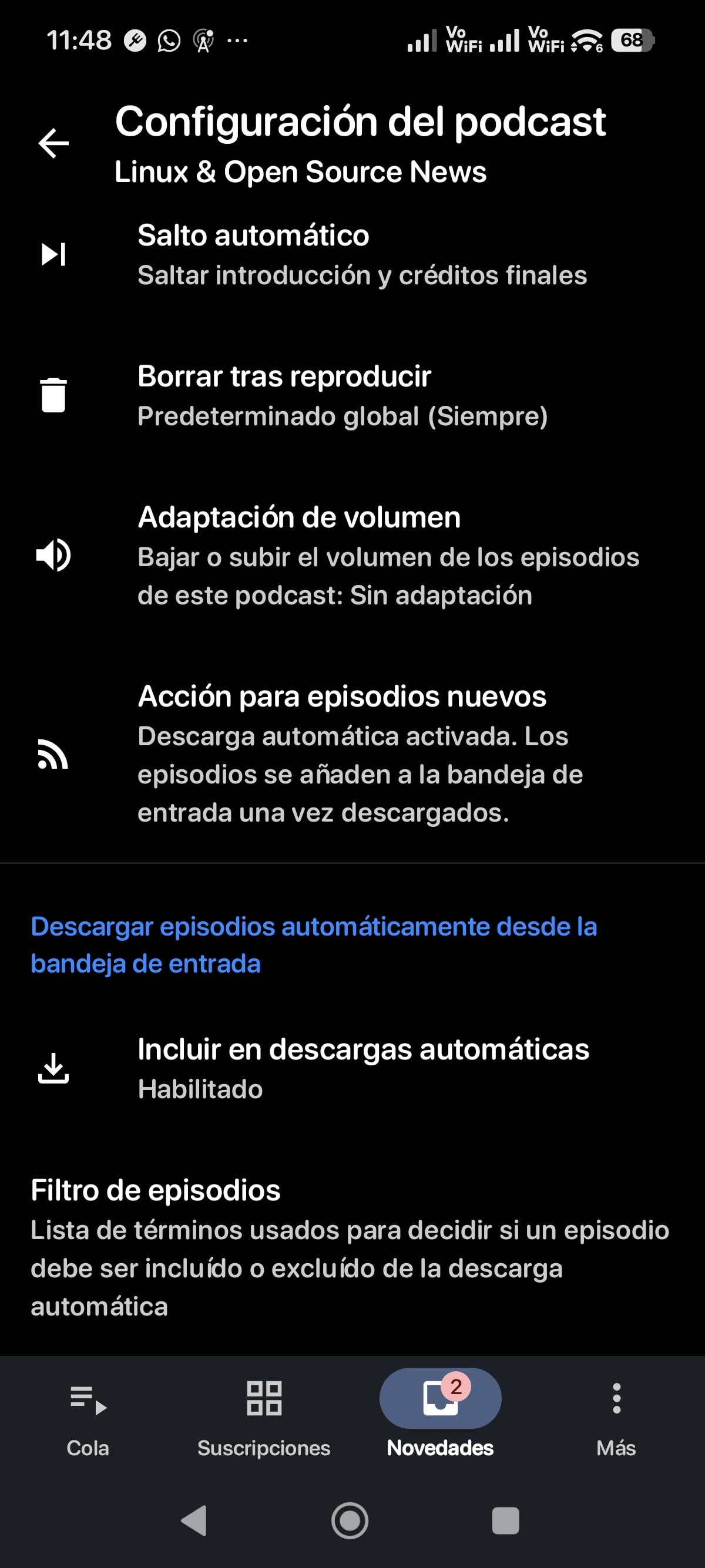


Environment: I do have globally disabled auto download and enable that on the podcast basis. It was working fine till about three to six weeks ago, I don’t remember correctly.
Crash info:
Environment
Android version: 16
OS version: 6.6.77-android15-8-g63ce7556864c-ab13994517-4k
AntennaPod version: 3.11.4
Model: 24129PN74G
Device: dada
Product: dada_eea
Manufacturer: Xiaomi