App version: 3.11.0
Android version: 5.10
Device model: Zenfone 9
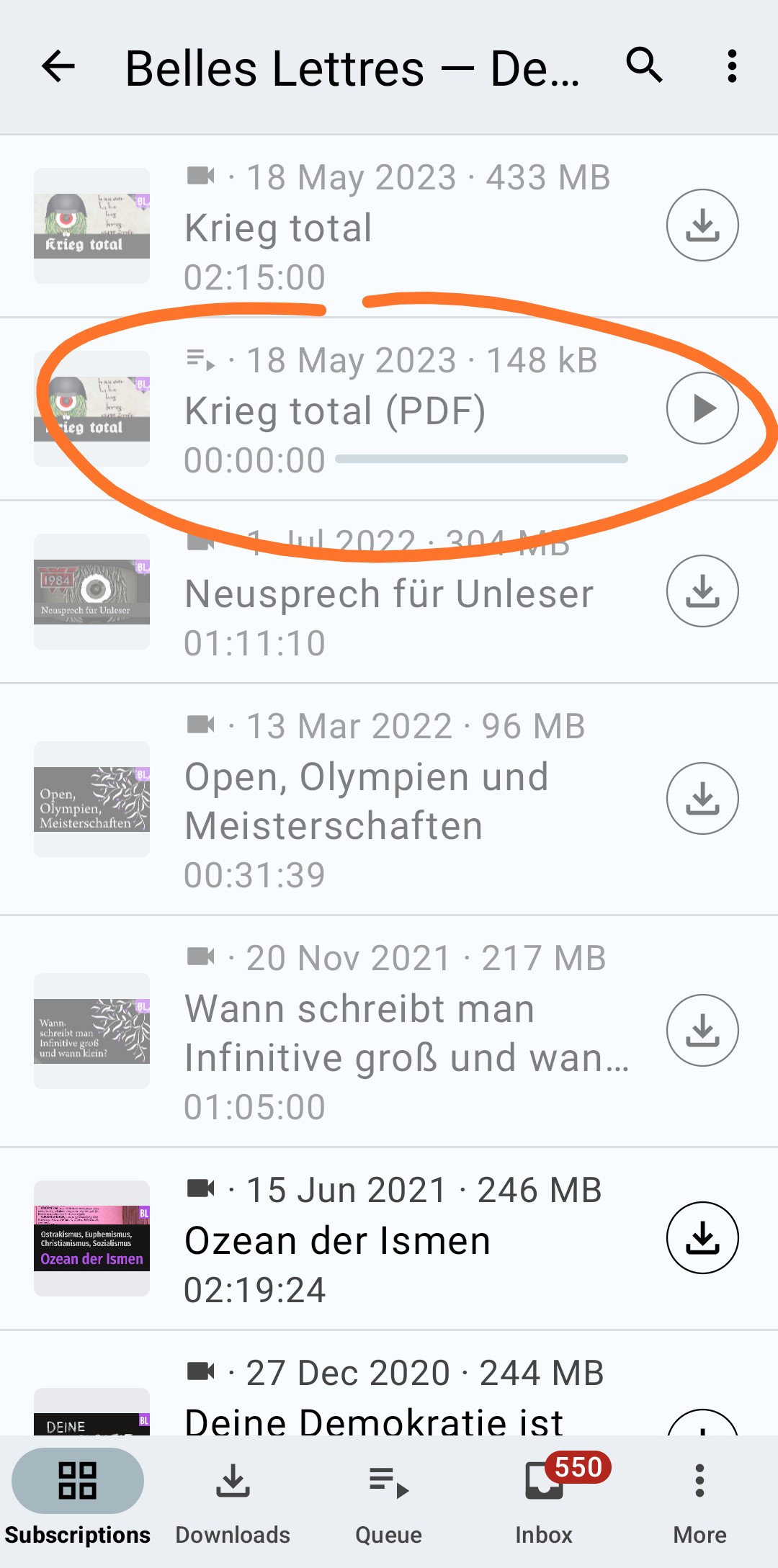
Expected behaviour: When I try to “play” an episode that is a PDF file (or presumably any other unsupported file format), I would expect AntennaPod to warn me that the file format is not supported, and ideally also ask me if I want to use a different app to open that file.
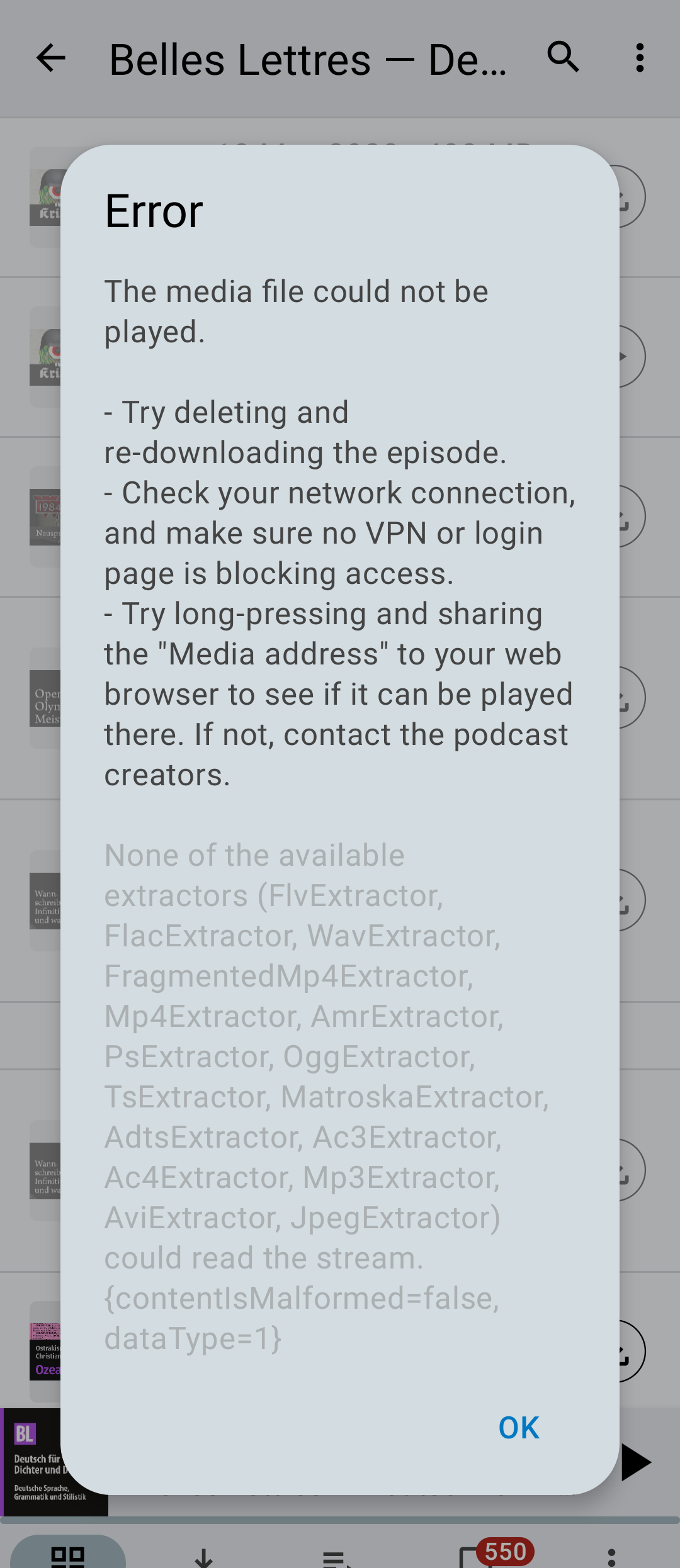
Current behaviour: Instead, it shows a very generic and technical error message (see screenshot); most of the suggestions are not relevant.
Screenshots:
Suggested solutions:
- When I press play an episode with an unsupported file format, directly launch the Android system dialog that let’s me choose a different app to open the file.
- When I press play an episode with an unsupported file format, display a specific warning with a few clickable options like “cancel”, “open in web browser”, “open in different app” etc.
Link to the podcast in this post: Belles Lettres — Deutsch für Dichter und Denker