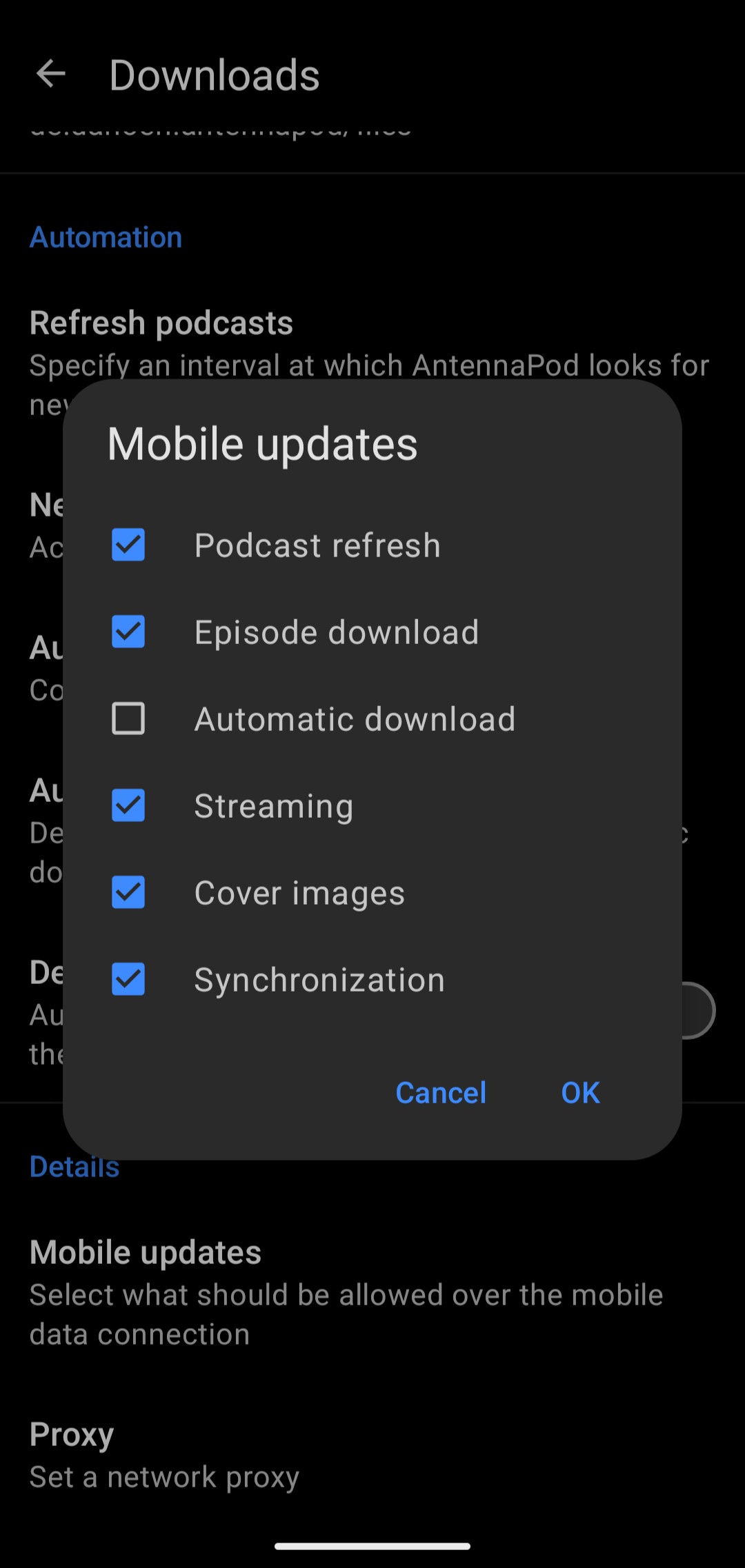
You have your choice of what mobile data may be used for. In the Downloads menu, click on Mobile Updates, and then check only the items you want to happen over mobile data.
In my case, I download episodes over Wi-Fi and have un-checked most items in the Mobile Updates menu. AntennaPod uses almost no mobile data for me.
I have same problem. Same version. App downloads Something on backgroud. Round and round. All mobile data updates are disabled in the app. It is bug in the app.
As I wrote, no mobile data may be used in my settings. I did not oblige the app to download or stream on mobile data, did not visit websites of podcasts nor used the search engine.
I don’t use VPN. I do get a warning when I accidently try to download or stream, then I cancel. Antennapod used 520 Mb in the background in 15 days. I listen about two hours at podcasts from the download list, it seems Antennapod is streaming it anyway. It’s a great app, but 1Gb a month is too much of my dataplan.
Curious. Mine shows only 169K mobile data used by AntennaPod since September 10. (I allow Synchronization, but all other types of mobile updates are un-checked.)
I noticed that the application downloads (about 10 MB) something via mobile data (or WiFi) every time it is switched on and after each time the display is turned on. It is very unpleasant bug.
Netstat on mobile shows thanks to WhoIs servers like Cloudflare or Fastly.
Yes, i have all mobile updates and all synchro disabled. But sometimes (it is any random bug) it happens to me that the application downloads (or sending?) something when it goes to the foreground.
while I do intend to streams episodes I usually never download them while on mobile, so i guess it is as you say better to disable episode download (as i recall this can be overridden on an individual basis anyway.)