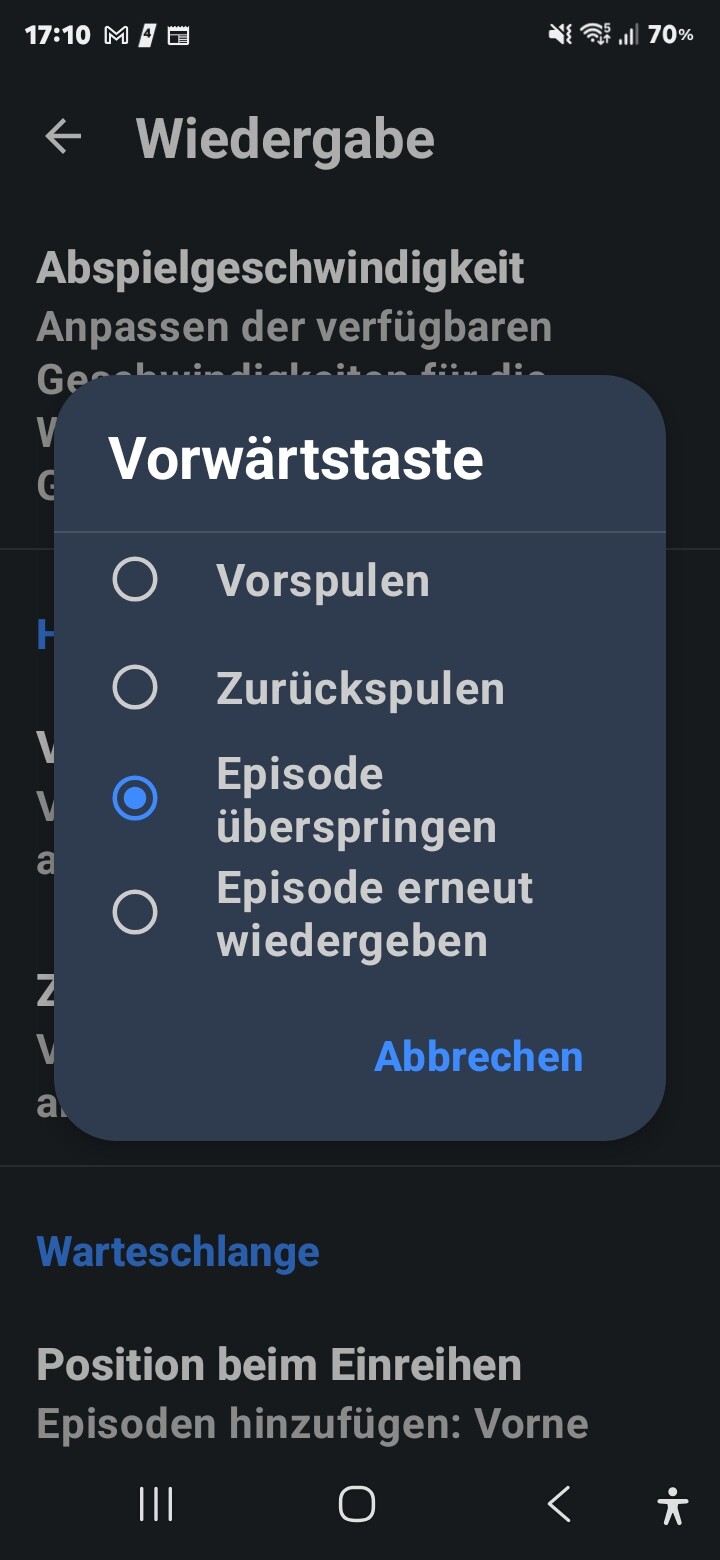
I’m using the Samsung Buds 3 Pro earbuds and listening to podcast on AntennaPod. For the past day or two, the navigation controls on the earbuds haven’t been working. Specifically, it doesn’t skip to the next episode. It just fast-forwards a little bit.
I’ve only been noticing this behavior for the past day or two.
I’ve tried different earbuds, and it’s always the same.
The navigation works very well in every other media app (Spotify, etc.).
Maybe it has something to do with this topic. But this behavior is new.
This was actually always the intended behavior. For me it always worked like that. In podcasts, you usually want to skip over ads etc, not skip to the next episode
It’s not just you. I have also experienced this bug only within the past few weeks. Toggling the setting, exiting and re-entering the settings, or force closing the app doesn’t fix the issue.
The hardware button “Next Track” stopped working after updating to version 3.12.0. Remapping the hardware buttons doesn’t help. If you roll back to version 3.11.4, the hardware button starts working again. The problem is clearly with the latest release.
Device: Fiio JM21
I have the same issue but reversed, my settings say they should be skipping 30 seconds, but it skips the episode.
I agree with others in this thread, it seems like the new update stopped hardware buttons from working the way the settings are set. I have changed them, set them back, nothing seems to get it to skip 30 seconds.
I’m on version 3.12.0f (980b2f32d), and I’m using a Pebble Time 2 as the hardware buttons.
Shokz OpenComm: play/pause works, forward skips ahead X seconds, rewinds back X seconds regardless of which settings I have on Reassign Hardware Buttons.
Xiaomi Smart Band X: play/pause work fine, Forward skips to next (or stops playback if nothing in queue), Back does nothing (even with items in the queue). No change with different Reassign settings.
Something about the way each one sends commands is different. Claude says it’s likely Bluetooth AVRCP passthrough (Shokz) vs MediaSession transport commands (Smart Band). So depending on which one your device uses you’re getting either the skip or fast-forward behavior by default. Regardless, it seems that the core problem is with the button reassigning itself, but at least this could help explain why some people are getting one or the other behavior (which may or may not be what you actually want).
I just did a test with the Shokz and it still seems to respect whatever settings you have in the time interval (fast-forward skip time, rewind skip time), but doesn’t change to Skip Episode or Restart Episode or anything else in Reassign Hardware Buttons.